Service 05 / 12
Cloud Services & Microsoft 365
Microsoft 365, Google Workspace and Azure set up properly, migrated without downtime and managed so they stay organised.

Email, files and apps your team can reach from anywhere — safely.
Cloud tools are only as good as their setup. We see shared passwords, files scattered across personal accounts and licences paid for people who left last year. We clean that up and give you one organised place for email, files, calendars and meetings.
Migrations are planned around your schedule, tested before cut-over and supported the morning after, so the switch feels like a non-event to your staff.
What’s included
Cloud & 365, done properly.
- 01Microsoft 365 and Google Workspace setup, licensing and administration
- 02Email migrations from GoDaddy, on-premises Exchange and other hosts
- 03SharePoint, OneDrive and shared-drive file structure and permissions
- 04Teams phone, meetings and channel setup
- 05Azure and cloud server hosting for line-of-business applications
- 06Licence audits to stop paying for unused seats
How it works
- 01
Plan
Inventory of mailboxes, files and apps, with a dated migration plan.
- 02
Migrate
Data moved in the background, cut-over after hours.
- 03
Tidy & manage
Permissions, sharing and licences kept in order every month.
What changes
What you’ll notice.
- Files in one place with the right people having the right access
- Work from home, office or job site without VPN headaches
- Lower licence costs after an audit
They found we were paying for nine Microsoft licences for people who had left. That alone covered a good part of the first month.
Questions
Cloud & 365 FAQ
01Will we lose email during a migration?
No. Mail is copied in the background and the switch happens after hours, so new mail keeps arriving throughout.
02Microsoft 365 or Google Workspace?
Both are excellent. We recommend based on the apps you already use, your file habits and your budget — not on a reseller incentive.
03Can you move our old file server to the cloud?
Yes. We plan the folder structure and permissions first so the move improves organisation rather than copying the mess.
Often paired with
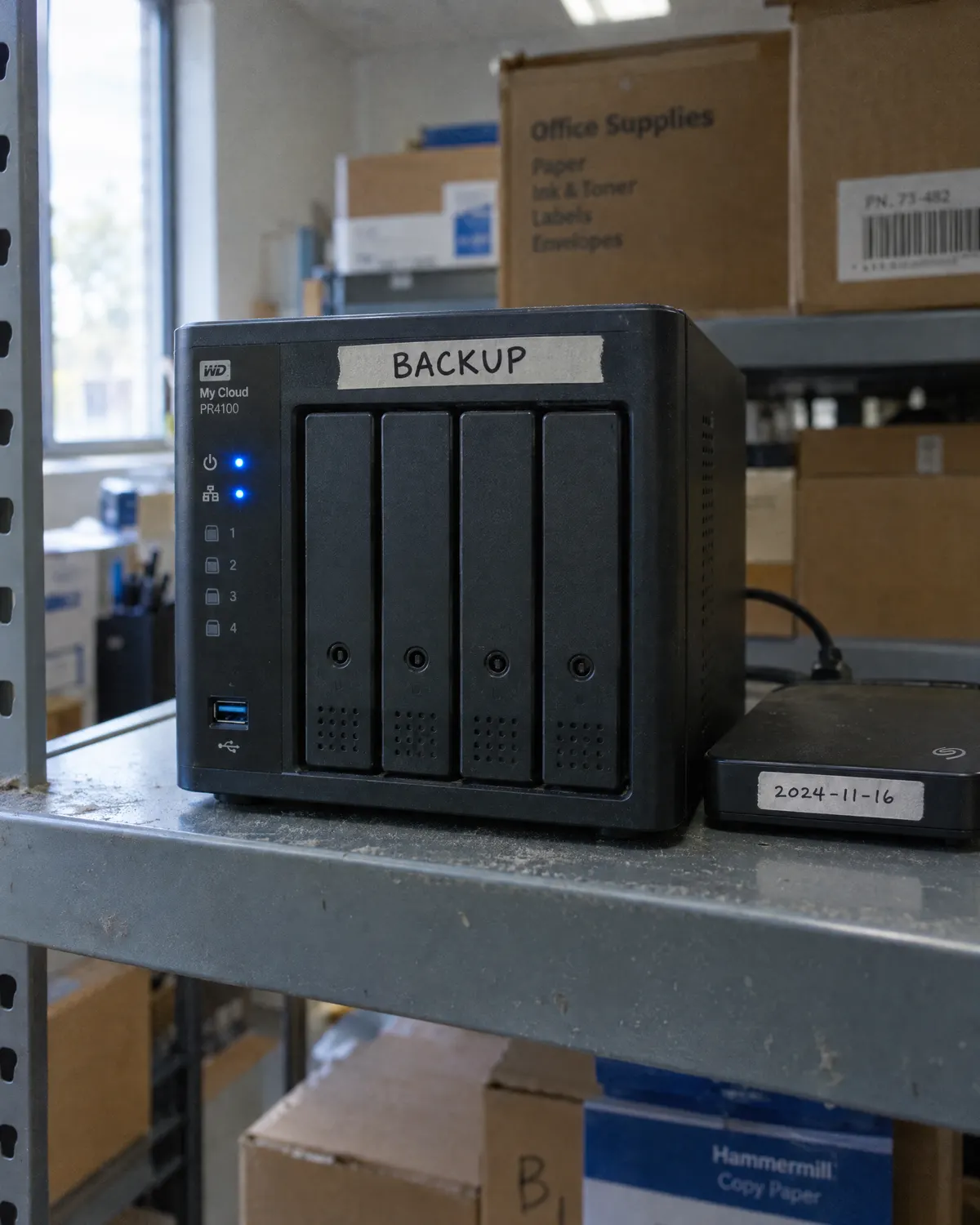 Data Backup & Disaster RecoveryBackups you’ve actually tested, and a plan for the bad day.
 IT Help Desk & Remote SupportReal people, a real phone number and answers in minutes.
 Server & Infrastructure ManagementOn-premises, cloud or hybrid — kept patched, monitored and documented.
Free IT assessment
Ready for cloud & 365 you don’t have to think about?
A free assessment takes about an hour on site. You get a written summary of what’s working, what’s at risk and what we’d fix first — whether or not you hire us.
Book your free assessment