Service 08 / 12
Server & Infrastructure Management
Windows servers, virtualization, storage and Active Directory managed so the systems your business depends on stay up.

On-premises, cloud or hybrid — kept patched, monitored and documented.
Plenty of businesses still rely on an office server for accounting, imaging or line-of-business software — sometimes an old one quietly running in a closet. We take ownership of it: patching, monitoring, capacity planning and a clear plan for its future.
When it’s time to replace, we compare an on-premises refresh, a cloud server and a hybrid option on cost and risk, then migrate with minimal disruption.
What’s included
Servers, done properly.
- 01Windows Server, Active Directory and Entra ID administration
- 02Hyper-V and VMware virtualization
- 03Storage, NAS and file-share management
- 04Performance, disk and hardware-health monitoring
- 05Server refresh and cloud migration projects
- 06Documented configurations and admin credentials vault
How it works
- 01
Audit
Health check, warranty status and risk review of every server.
- 02
Remediate
Patch, back up and fix the urgent issues first.
- 03
Maintain
Monitoring, maintenance windows and lifecycle planning.
What changes
What you’ll notice.
- Unplanned server downtime becomes rare
- A replacement plan before hardware fails
- Admin access documented and secured
They moved our whole office from Van Nuys to Chatsworth over one weekend. Phones, printers, the server, twenty-two desks. We opened Monday at eight like nothing happened.
Questions
Servers FAQ
01Our server is very old. Is that a problem?
Unsupported servers no longer receive security updates. We’ll assess the risk and give you options with costs, from extended protection to replacement.
02Should we move our server to the cloud?
Sometimes. It depends on your software, internet connection and budget. We’ll show a side-by-side cost comparison.
03Do you do maintenance during business hours?
No — reboots and updates happen in scheduled after-hours windows.
Often paired with
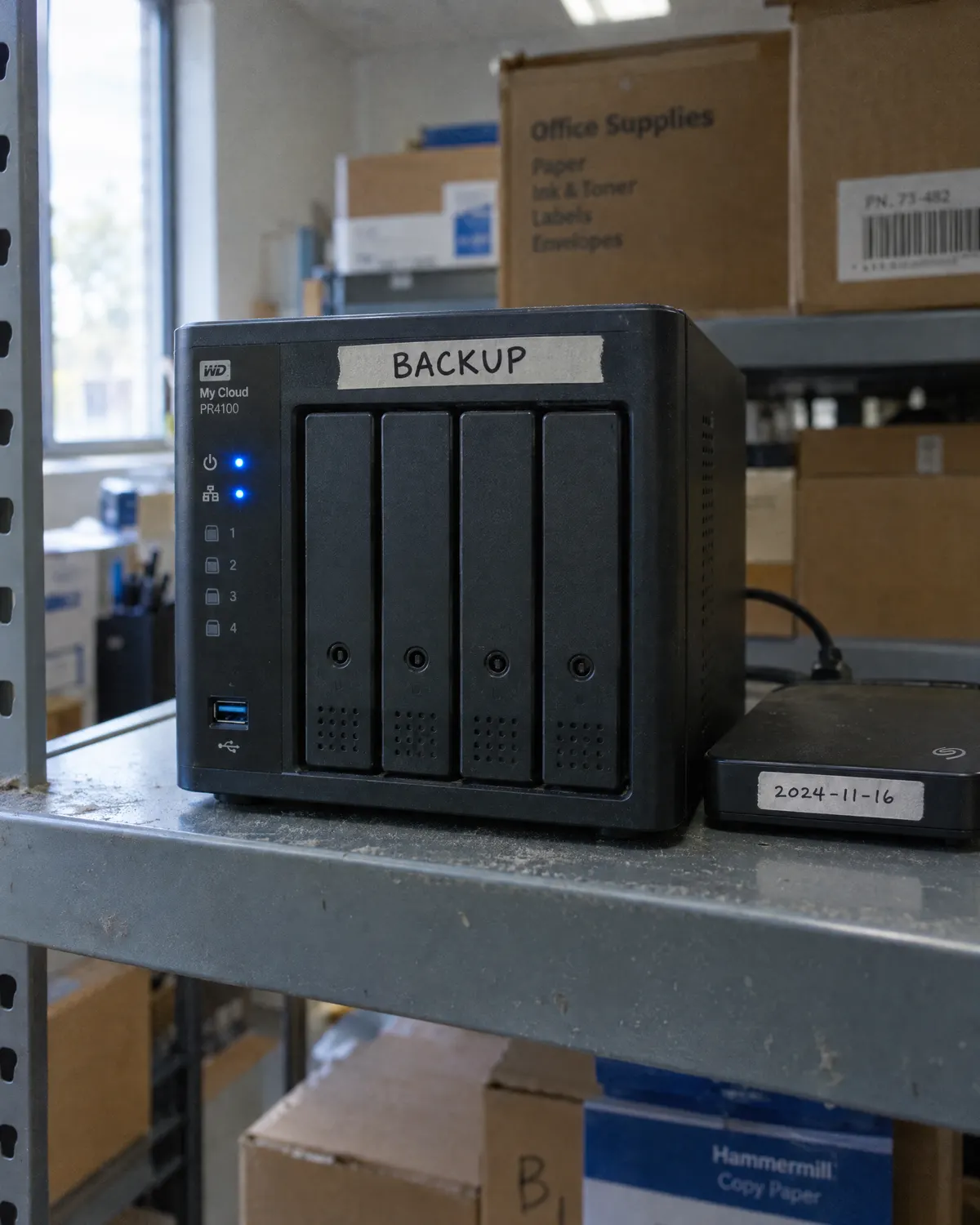 Data Backup & Disaster RecoveryBackups you’ve actually tested, and a plan for the bad day.
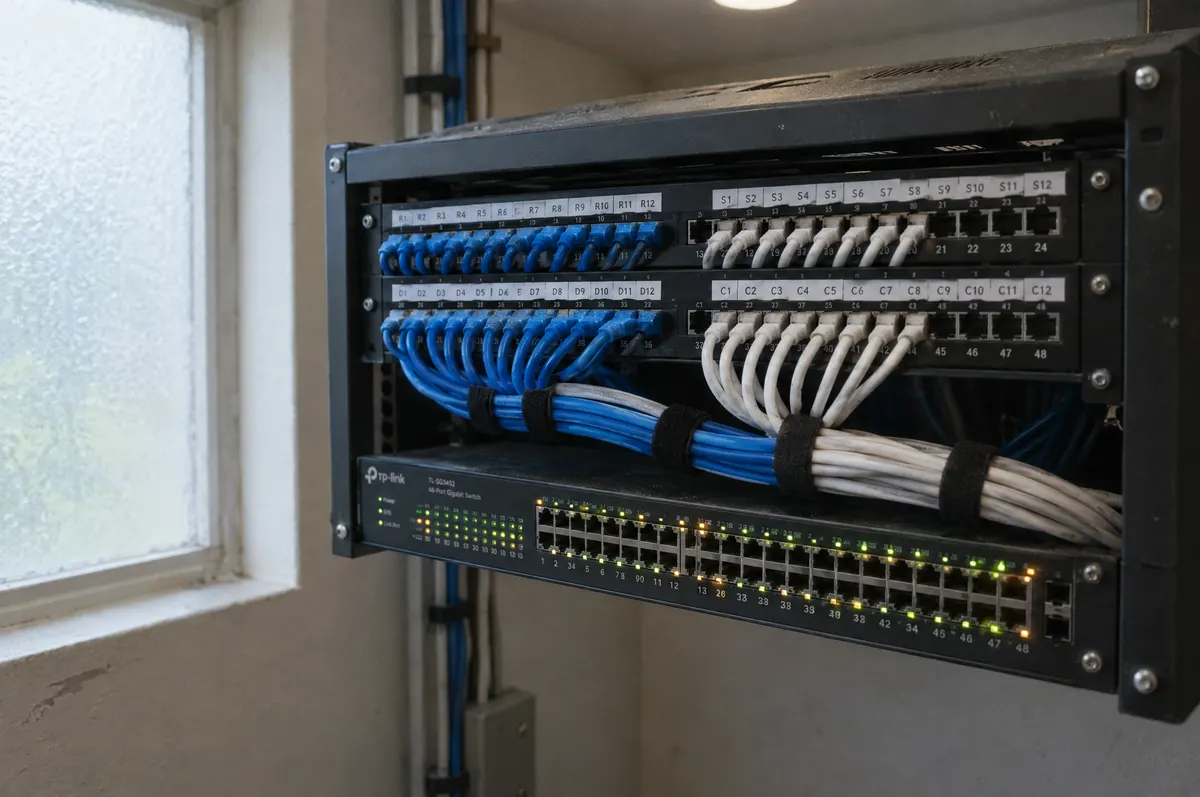 Network Design & ManagementFast, reliable Wi-Fi and wired networks that you never have to think about.
 Cloud Services & Microsoft 365Email, files and apps your team can reach from anywhere — safely.
Free IT assessment
Ready for servers you don’t have to think about?
A free assessment takes about an hour on site. You get a written summary of what’s working, what’s at risk and what we’d fix first — whether or not you hire us.
Book your free assessment